
Queue complete playlists
Add multiple items, review the list, and keep longer download sessions organized.
Windows audio downloader
Save individual videos and playlists as MP3 or keep the original video quality with a focused desktop app for Windows.
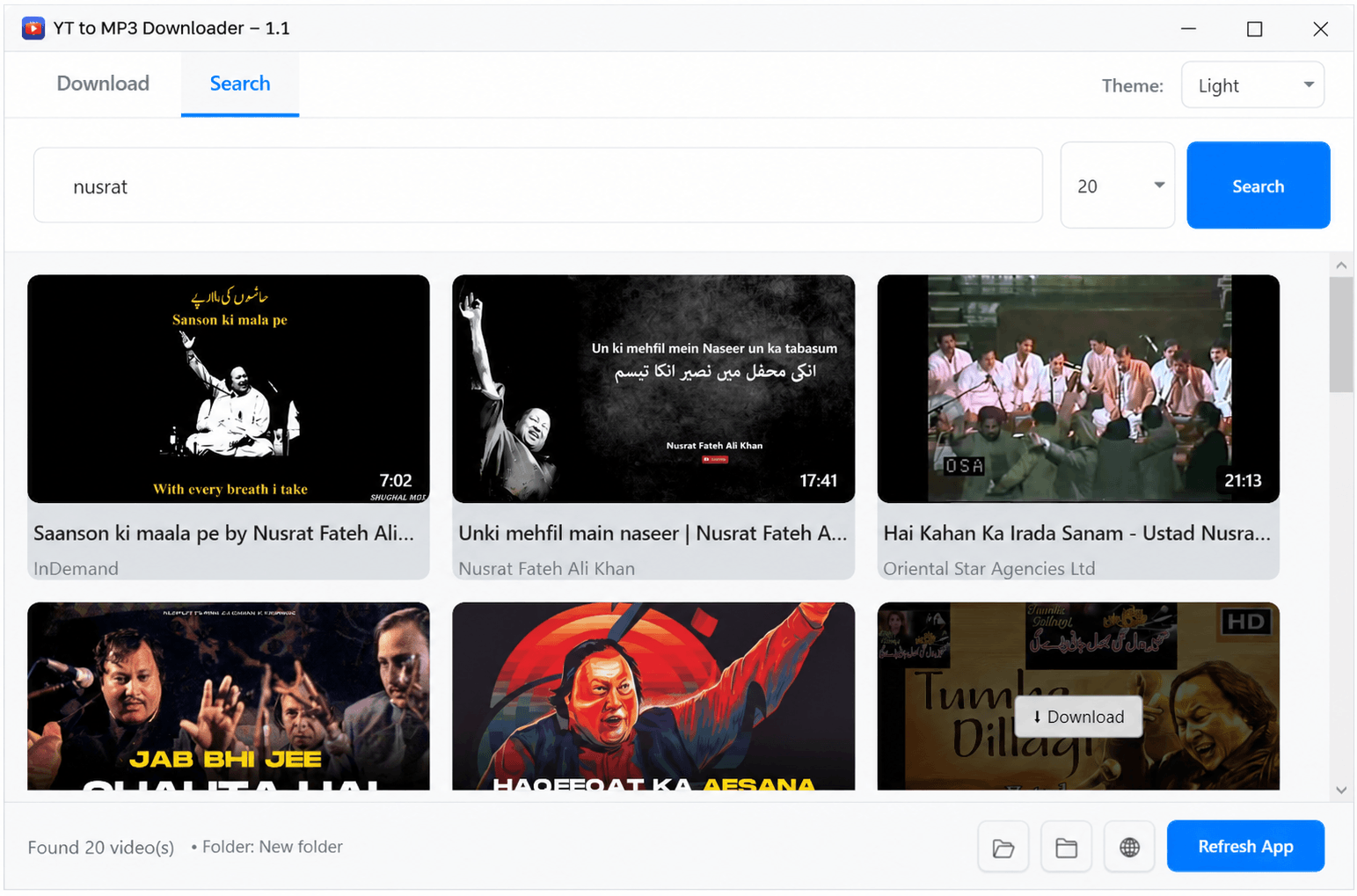
Built for the way you listen
A direct workflow for audio, video, playlists and conversion without turning a simple download into a complicated project.
Add multiple items, review the list, and keep longer download sessions organized.
Extract audio or save video in the quality and file type that works for your device.
Pick the destination, follow progress, and pause or cancel items from one clear workspace.
Flexible output
Choose audio or video output, quality, and destination before a download begins. The controls stay clear for one item or a whole playlist.
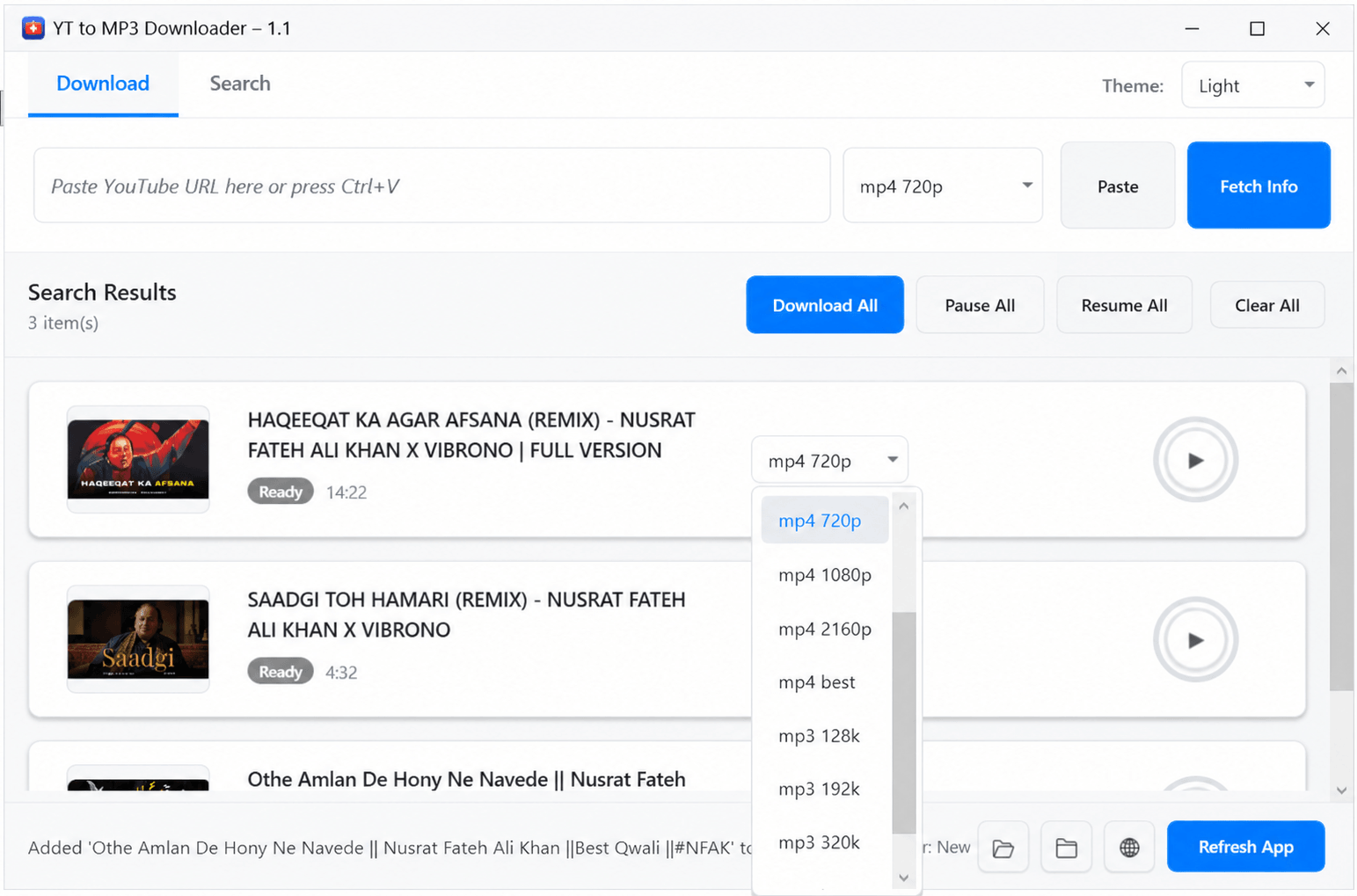
Desktop control
The format sheet keeps audio quality, video resolution, subtitles, and destination in one place, so your file arrives the way you expect it.
Three clear steps
Keep the workflow familiar from the first download to the hundredth.
Add a video or playlist URL, or use search without leaving the app.
Select MP3 or another format, set quality, and confirm where the file should go.
Follow progress in the queue and open completed files directly from your library.
Common questions
YT to MP3 Downloader is packaged for Windows 10 and Windows 11. The installer sets up the app for the current Windows user.
The app includes MP3, WAV, AAC, and M4A choices. Available quality options can vary with the source.
Yes. Paste a playlist link, review the items returned by the app, and add the selections you want to the queue.
Only download content you own, content in the public domain, or content you have permission to save. You are responsible for following the source platform's terms and applicable law.
Install the current Windows release and choose the format that suits you.